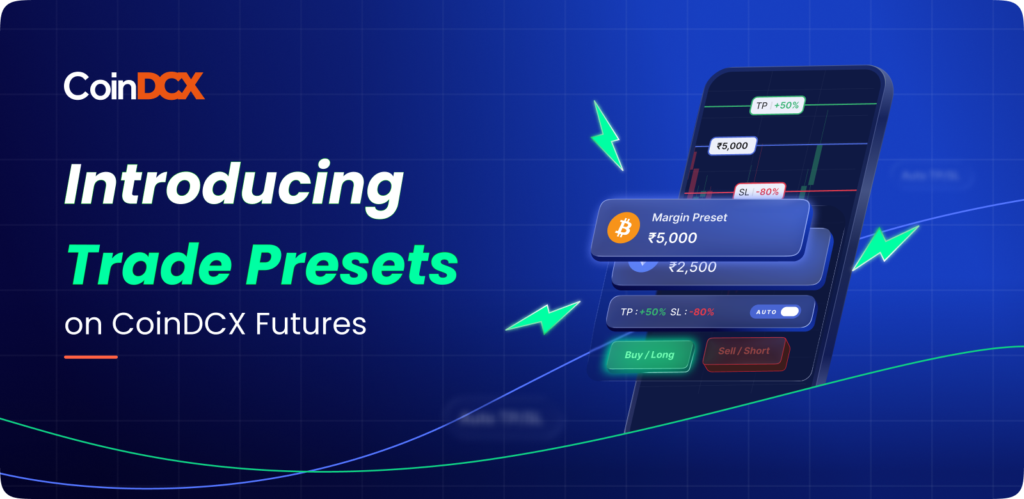



In trading, one small protection can protect us from big unexpected losses. You set up autopay to avoid late fees. Use a fingerprint lock to secure your phone. Buy insurance to protect your future.
So why should your trades be any different?
When you enter a Futures position, setting Take Profit (TP) and Stop Loss (SL) is that one essential step that protects your capital, executes your plan, and keeps you in control even when you’re offline. And in the current high-volatility futures market, risk management is no longer optional.
What Is TP/SL? And Why Does It Matter?
Before we get into strategy, here’s the foundation:
TP/SL = Take Profit + Stop Loss
A simple tool that automatically executes your trading plan.
Take Profit (TP)
You choose the price at which you want to book profits.
The moment the market hits your target, the order triggers automatically.
Stop Loss (SL)
You choose the maximum acceptable loss.
If the market drops to that level, your position exits instantly.
Together, TP/SL ensures your trade is managed, even when you’re busy or asleep.
- Locks your profits automatically, so you don’t miss your exit during sudden price spikes.
- Limits your maximum loss, ensuring your capital stays protected even in volatile markets.
- Removes panic and emotional decisions
- Gives you confidence in your trading plan
- Protects you during sudden volatility
Think of TP/SL as your non-negotiable seatbelt in futures trading.
Related read: How to Manage Your Positions while Trading in Crypto Futures?
The TP/SL Gap
CoinDCX internal research shows:
- 65% of traders know TP/SL exists
- But only 15% actively use it
Most users see it as “extra steps,” or assume they can manually exit when the time comes.
But here’s the truth:
- The market moves faster than human reaction time.
- EMAs break in seconds.
- Funding spikes, sudden wicks, and liquidation cascades are common.
TP/SL is not extra work, it is the tool that removes fear, hesitation, emotional exits and overconfidence mistakes. It’s what gives you clean execution and consistent outcomes.
How to Place TP/SL on CoinDCX Futures
You can either set an order TPSL, directly from the advanced order form by clicking the Add TPSL button at the bottom or you can add TPSL to your position from your Position card.
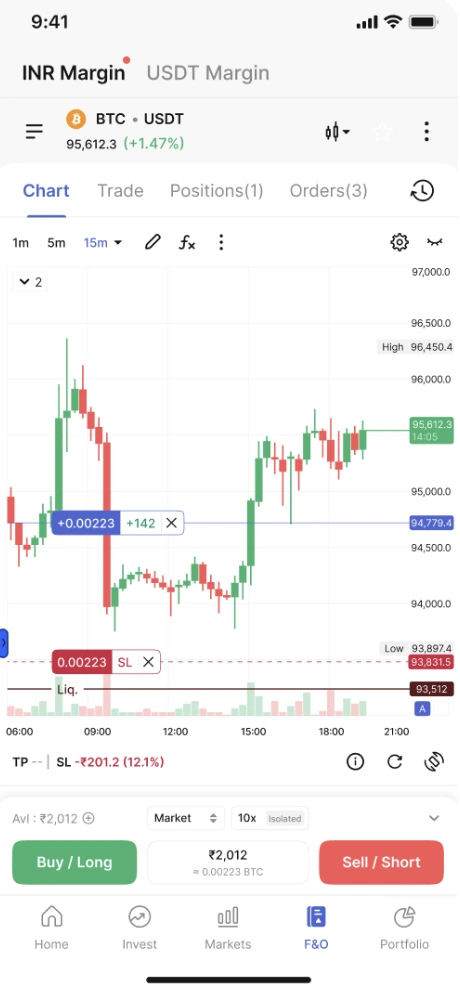

You can also use the TP/SL button to manually enter values or select quick presets like 10% or 20%. All active TP/SL levels can be edited or removed anytime by tapping the line or using the Positions tab.
Looking for a full visual walkthrough?
Check out our detailed tutorial on the Trade on Charts blog, including screenshots, price-line dragging, and real examples.
When Should You Use TP/SL? (Always)
TP/SL should be set before every single futures trade. Here’s when it becomes essential:
- When opening any long or short position
- When the market is volatile or news-driven
- When you’re not actively watching the chart
- When trading while travelling, asleep, or at work
- When you want to lock in a defined profit
- When you want to avoid liquidation risk
If you’re placing a trade, TP/SL must be part of the plan, not a later adjustment.
Also Read: CoinDCX Crypto Futures Order Types: A Beginner’s Guide
Conclusion: TP/SL Is the One Step That Protects Everything
Trading without TP/SL is like driving without a seatbelt; you might get away with it a few times, but it only takes one unexpected event to cause real damage. If you want more confidence, better control, and steadier P&L- start setting TP/SL before every futures trade.